A slow nightstand USB port is usually caused by one of four things:
- The port has a low power output
- The cable is limiting charging
- Multiple devices are sharing available power
- Your phone is intentionally reducing charging speed
Here's how to identify the problem.
1. The port may not provide much power
Not all built-in USB ports support fast charging.
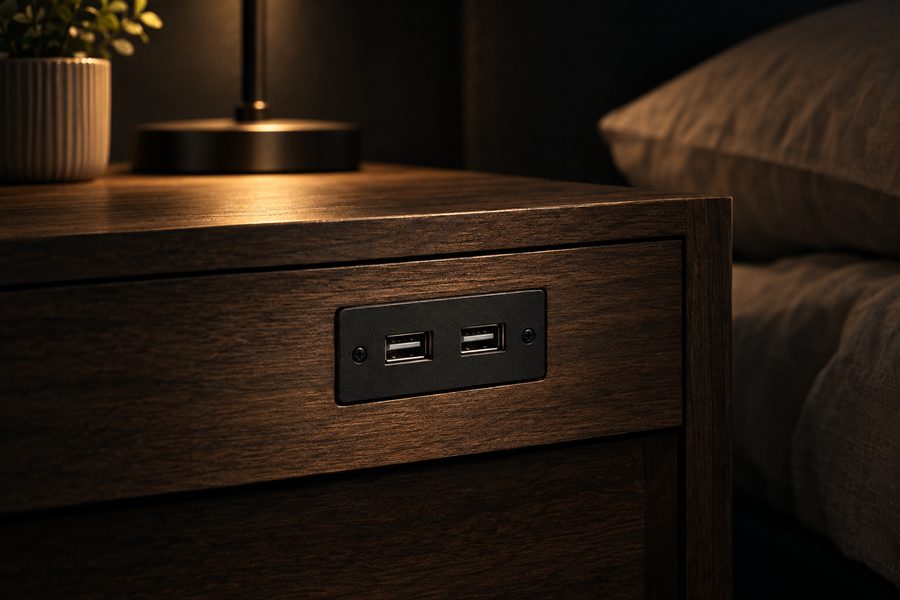
Older nightstands may contain USB-A modules designed for basic overnight charging.
Check the label, manual, or product specifications for output information.
2. Your cable could be the problem
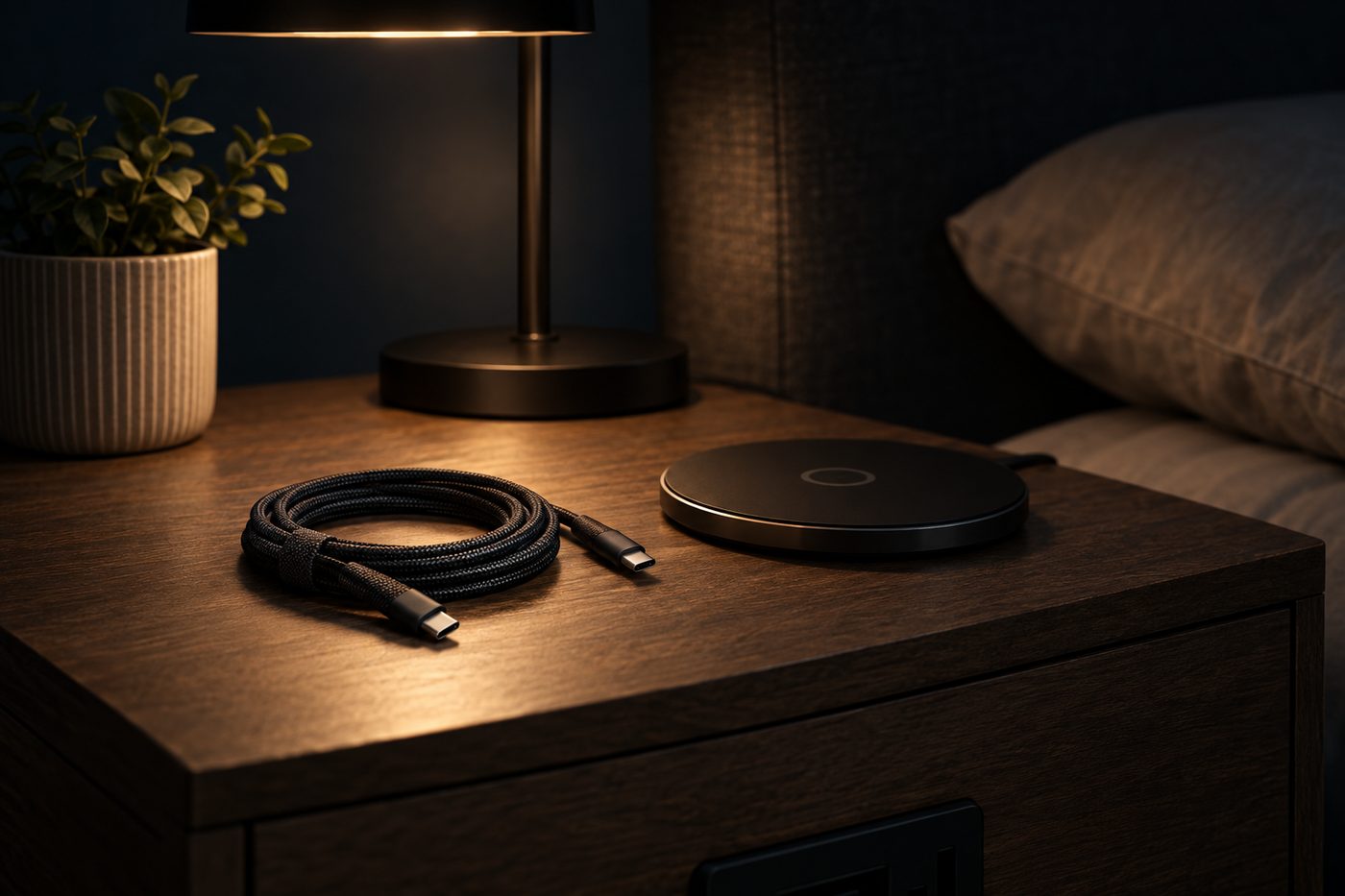
Try another known-good cable.
Damaged or low-quality charging cables can significantly affect performance.
This is one of the easiest things to test before blaming the nightstand.
3. Power may be shared between ports
Some charging modules divide their available power when multiple devices are connected.
If your phone charges normally by itself but slows down when another device is connected, shared output could be the explanation.
4. Your phone could be managing the battery
Modern phones may deliberately reduce charging speed based on temperature, battery level, charging habits, or battery-health settings.
Slow charging near a full battery is not necessarily a problem.
5. Heat can reduce charging speed
Phones can reduce charging power if the battery becomes too warm.
Remove unnecessary covers around the charging area and make sure the device is not sitting under bedding.
6. The USB port could be worn or damaged
If the cable feels loose or charging repeatedly starts and stops, inspect the port.
Dust or physical wear can interfere with the connection.
Avoid inserting metal objects into a USB port when cleaning it.
How can you get faster bedside charging?
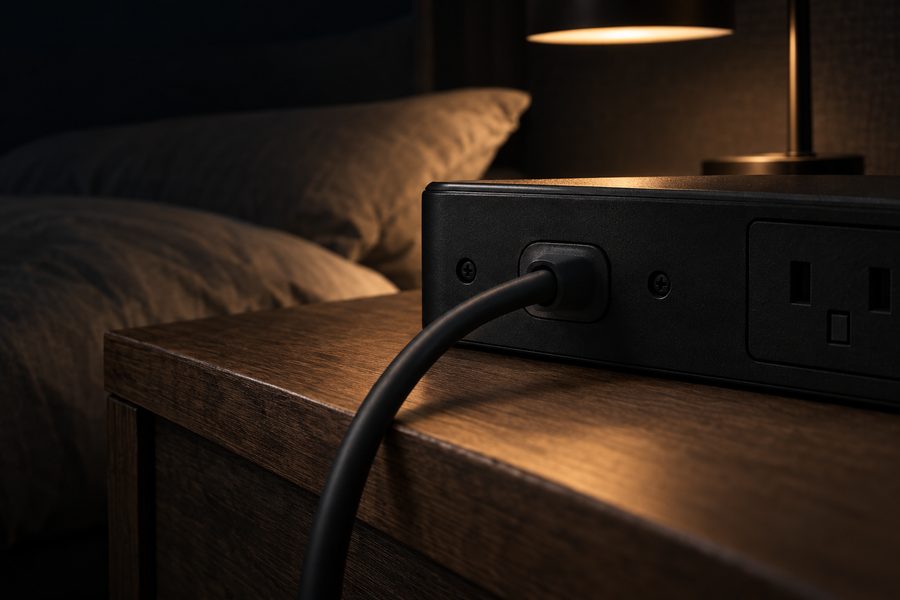
If the existing USB module is simply underpowered, the easiest solution may be using the nightstand's AC outlet with your regular fast-charging adapter.
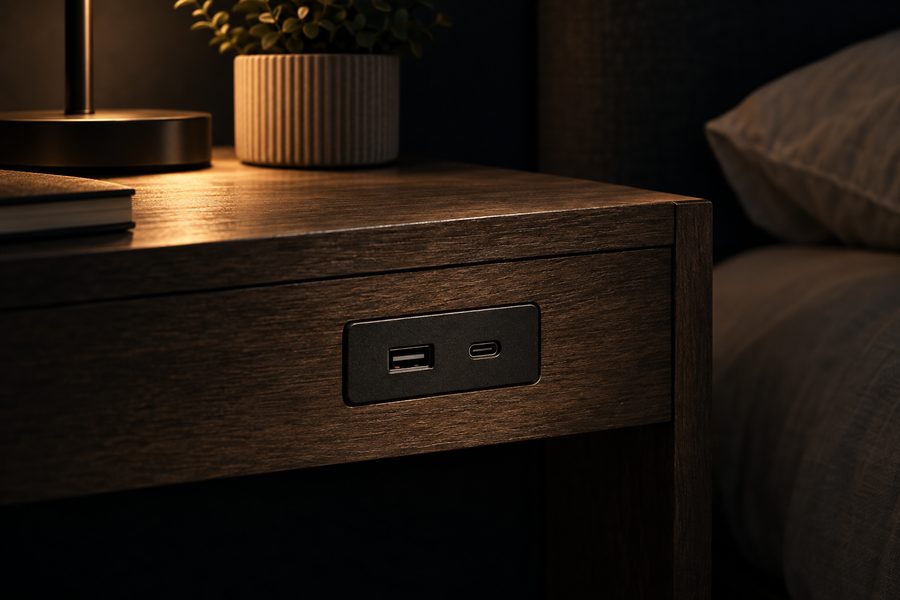
If your current furniture does not provide enough charging power, a nightstand with faster USB-C charging may be a worthwhile upgrade.
Should you replace the nightstand?
Not immediately.
Try:
- Another cable.
- Another device.
- Charging with only one port occupied.
- The device's original charger.
- Checking the nightstand's specifications.
If the built-in system is simply too old or weak for modern equipment, upgrading to a bedside table with higher-output charging ports can be simpler than relying on adapters permanently.
Bottom line
Slow charging does not always mean the nightstand is broken.
Start with the wattage and cable, then check whether power is being shared or the phone itself is limiting charging.