Nightstands with built-in charging stations are generally safe when they are properly designed, used as intended, and connected to a suitable wall outlet.
The bigger concern is not the idea of putting charging ports in furniture. It is the quality of the electrical components used inside the nightstand.
A well-designed charging nightstand can be a convenient way to power your phone, smartwatch, lamp, tablet, and other bedside devices without covering the floor in adapters and cables.
Before buying one, however, there are a few things worth checking.
Look for properly designed electrical components
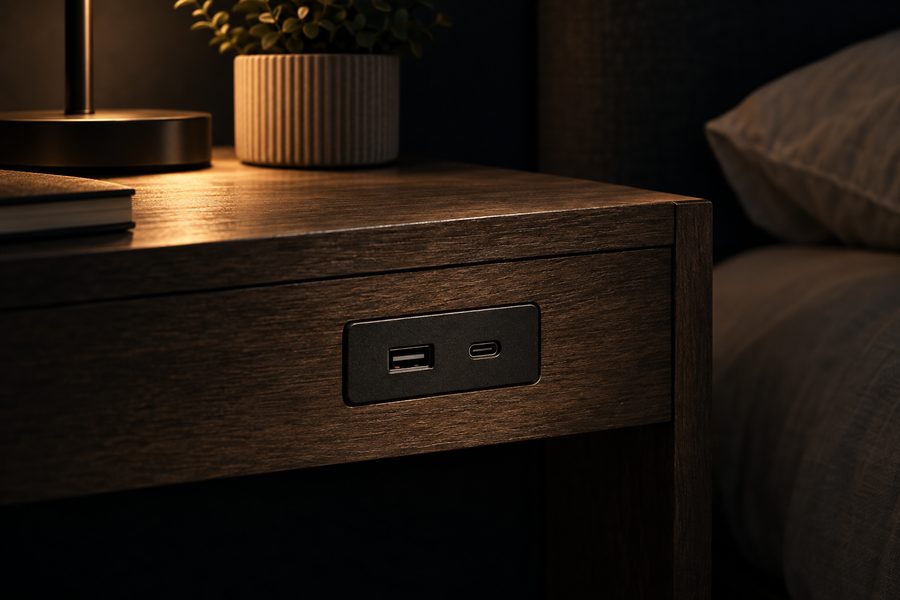
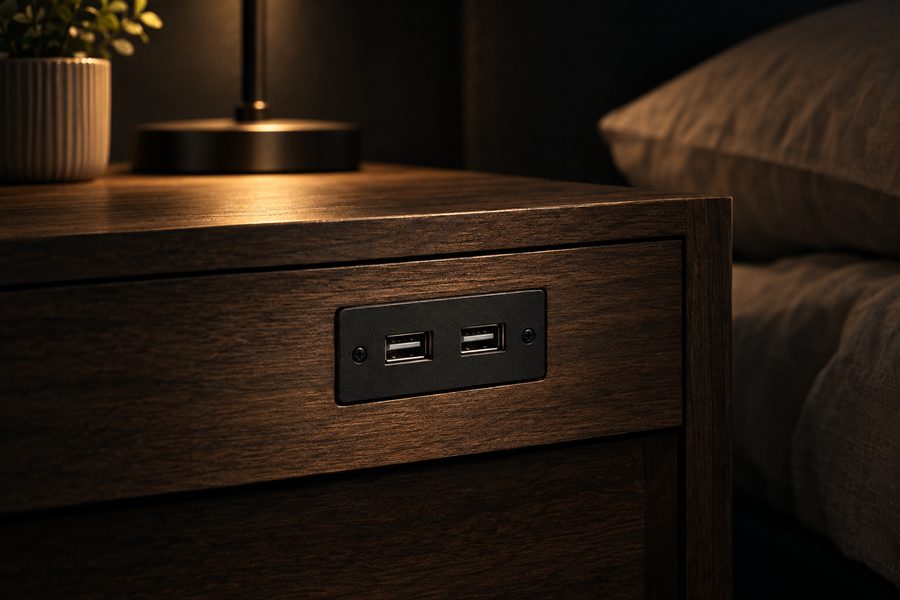
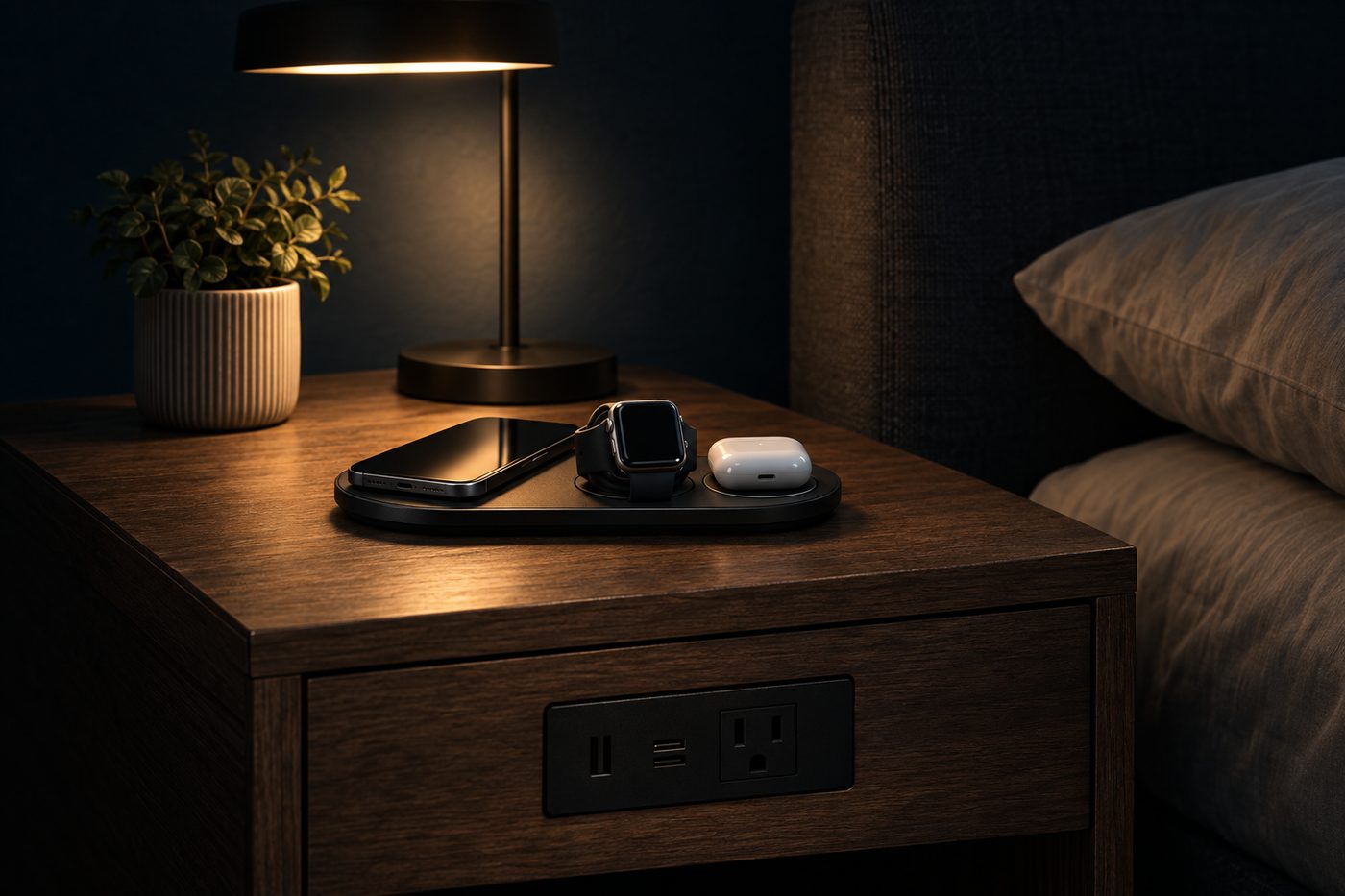
A charging nightstand normally contains some combination of:
- AC power outlets
- USB-A ports
- USB-C ports
- Wireless charging
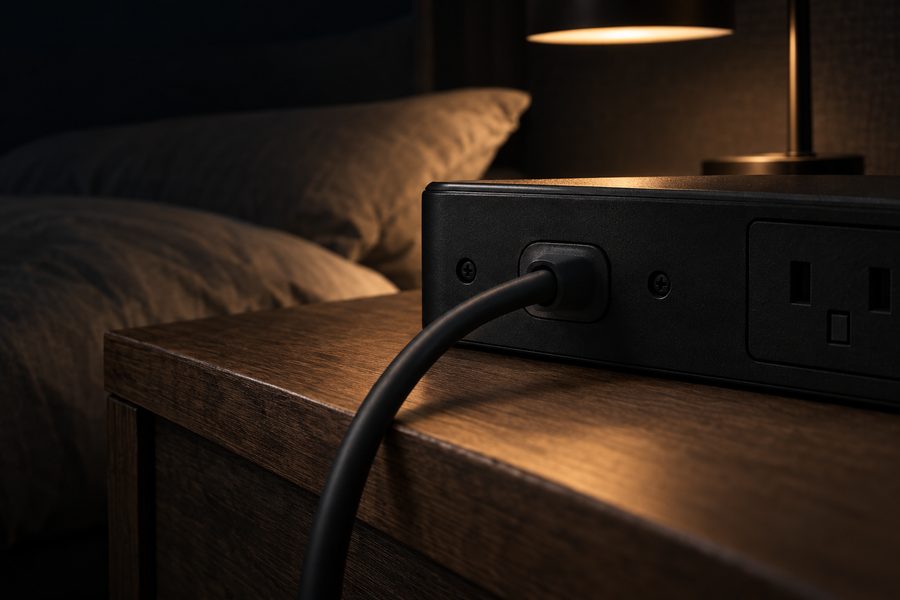
- An internal power cable
The charging module should feel like a proper electrical product rather than a cheap power strip attached to a piece of furniture.
When comparing models, look for information about recognized electrical testing or certification and check the manufacturer's specifications.
If you are currently shopping, a nightstand with an integrated charging station can be a cleaner option than running several separate chargers beside your bed.
Heat matters
All charging systems create some heat.
USB charging normally produces relatively little noticeable heat, while wireless charging can make both the charger and phone feel warm.
That does not automatically mean something is wrong.
However, excessive heat, a burning smell, discoloration, buzzing, sparks, or a charging module that becomes unusually hot are reasons to stop using the charging system.
Do not cover the charging area with bedding, clothing, books, or other objects that trap heat.
Check the condition of the power cord
Inspect the nightstand's power cable periodically.
Avoid using it if you notice:
- Cracked insulation
- Exposed wires
- A bent or damaged plug
- Loose electrical connections
- Scorch marks
The cable should also be positioned so the nightstand or bed cannot crush it against the wall.
Be careful with liquids
A glass of water beside the bed is convenient, but electricity and spilled drinks are not a good combination.
Try to keep drinks away from exposed outlets and USB ports.
A nightstand with enough surface space to separate your charging area from drinks can make this easier.
Don't overload the charging station
Built-in outlets do not mean you should connect every high-powered appliance you own.
A phone charger, lamp, smartwatch, or tablet is one thing. High-power heating appliances are another.
Always follow the electrical limits specified by the manufacturer.
Wireless charging safety
If your nightstand includes wireless charging, use compatible devices and avoid placing metal objects such as coins or keys on the charging area.
Modern Qi-certified wireless charging products are tested for interoperability and safety. Qi2 also uses magnetic alignment to improve positioning and charging efficiency.
What should you look for when buying?
Prioritize the electrical system just as much as the furniture.
Useful features include:
- Clearly labeled ports
- USB-C charging
- Easily accessible outlets
- Good cable routing
- A stable power connection
- A charging module from a reputable manufacturer
A bedside table with built-in power and USB ports can be worth paying slightly more for if the alternative is a questionable no-name charging module.
Final verdict
Charging nightstands can be perfectly reasonable for everyday use.
The safest choice is a well-built nightstand with good-quality electrical components, sensible cable management, and charging features that match the devices you actually use.
Treat the built-in charger the same way you would any other electrical product: inspect it occasionally, keep liquids away from it, and stop using it if anything appears damaged or unusually hot.