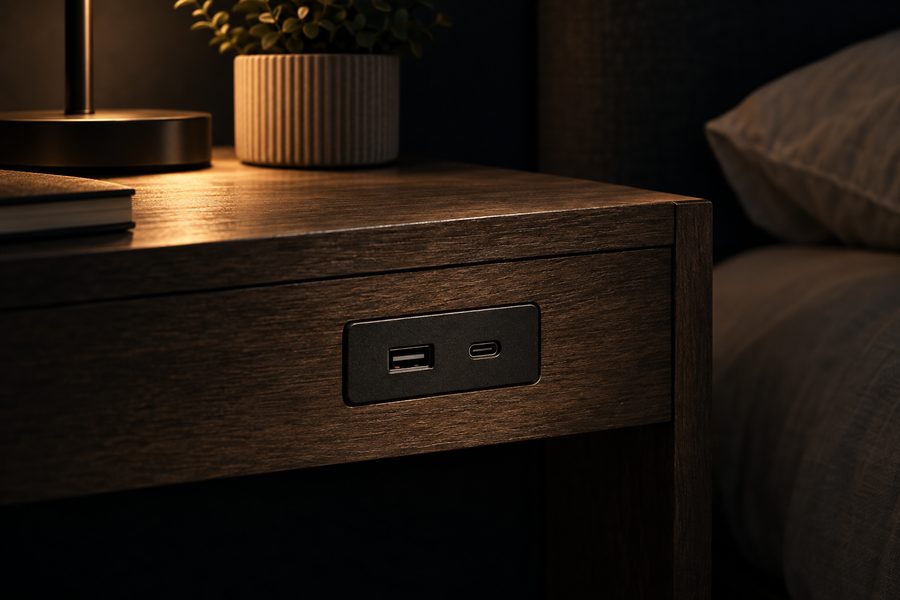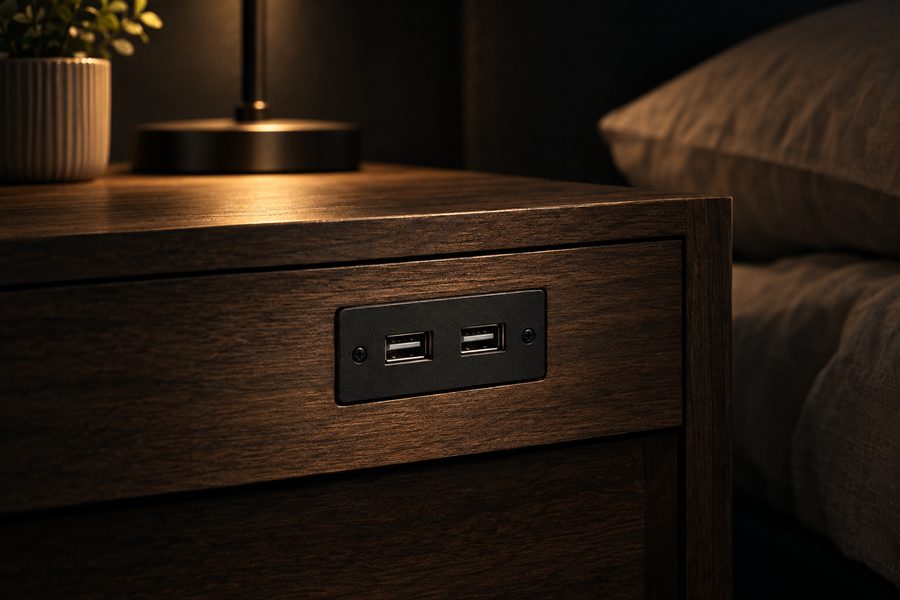
If the USB ports built into your nightstand suddenly stop working, do not assume the entire charging module has failed.
Start with the simplest possible causes.
1. Test another cable
Charging cables fail frequently.
Use a cable that you know works with another charger.
If the new cable solves the problem, the nightstand was probably never the issue.
2. Test another device
Connect a different phone or USB device.
This helps determine whether the fault follows the device or stays with the nightstand.
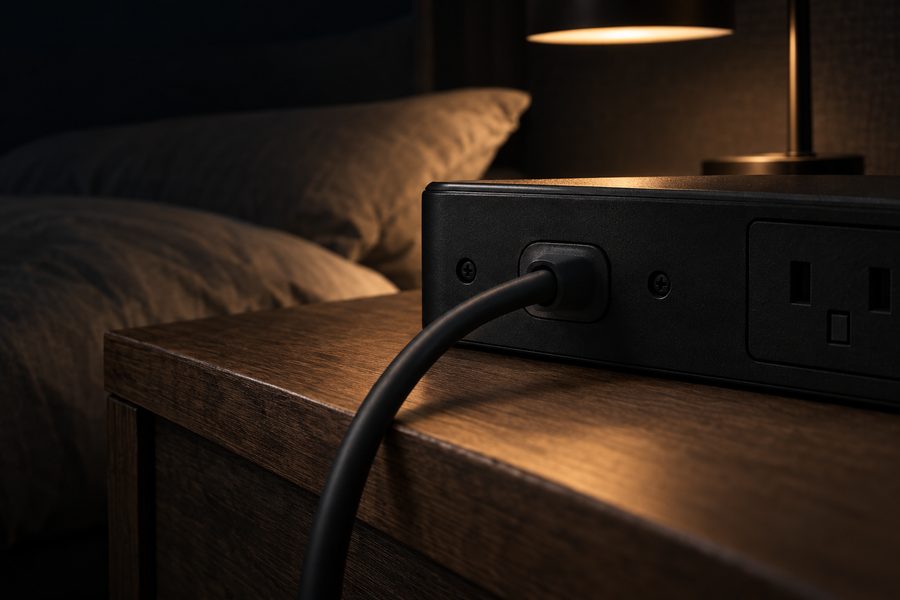
3. Make sure the nightstand has power
If your nightstand also contains AC outlets, test whether they work.
Check:
- The wall outlet
- The nightstand plug
- Any power switch
- The power cable
Do not disassemble mains-powered electrical components unless you are qualified to do so.
4. Look for loose connections
Some furniture uses a removable charging module or accessible connector.
If the manufacturer's instructions allow it, make sure visible connections are fully seated.
5. Inspect the port
Look for obvious damage or debris.
If a USB plug barely stays in place, the physical connector may be worn.
6. Disconnect other devices
If several devices are attached, disconnect them and test one USB port with one device.
This helps rule out shared-power or overload issues.
7. Try the AC outlet instead
If the USB ports have failed but the built-in electrical outlet still works, you may be able to use your phone's normal charging adapter.
That can keep the nightstand usable even if its older USB technology becomes obsolete.
Is it time to replace the nightstand?
If the charging module cannot be repaired or replaced economically, upgrading may make sense, especially if the nightstand only has old low-output USB ports.
A new bedside table with USB-C and AC charging may provide better long-term flexibility.
Look for replaceable charging modules
When buying future furniture, consider how integrated the electronics are.
If the charging assembly is modular, service or replacement may be easier than with electronics permanently built into the furniture.
A charging nightstand with accessible power connections may therefore be preferable for long-term ownership.
Bottom line
Start with the cable, device, and wall outlet.
Only after those have been ruled out should you suspect the nightstand's charging module itself.
And if you see heat damage, exposed wiring, sparks, or a burning smell, stop using the electrical system rather than continuing to troubleshoot it.